
Premium Mixed Media ReelComplete job
16:9See CAPLIST in action
One property shoot. More professional products to sell.
Use the professional photography, video, drone and vertical footage you already capture. CAPLIST understands what media is available, shows you what additional products can be created from it, and produces the finished outputs for you to review and deliver.
Get startedProject9 Coastview Drive
04Unlock
5 additional products are available.
 Source quality passed
We found 27 photos, professional video and drone footage.
27 photosProfessional videoDrone media
Photo ReelPhotography
9:16Vertical Video ReelPhoto + video
9:16Property TeaserVideo + drone
9:16Alternative / Feature ReelComplete job
9:16How it works
From your media to more products in four steps.
A simple workflow. Professional results.
- 01Upload
Use the media you already captured.
Photos, video, drone and vertical footage from the property.
- 02Unlock
See what more you can create.
CAPLIST shows the additional products available from that property.
- 03Choose
Select what you want to sell.
Choose the product and guide the creative intent.
- 04Create
CAPLIST does the production work.
Review the finished output and deliver it through your business.
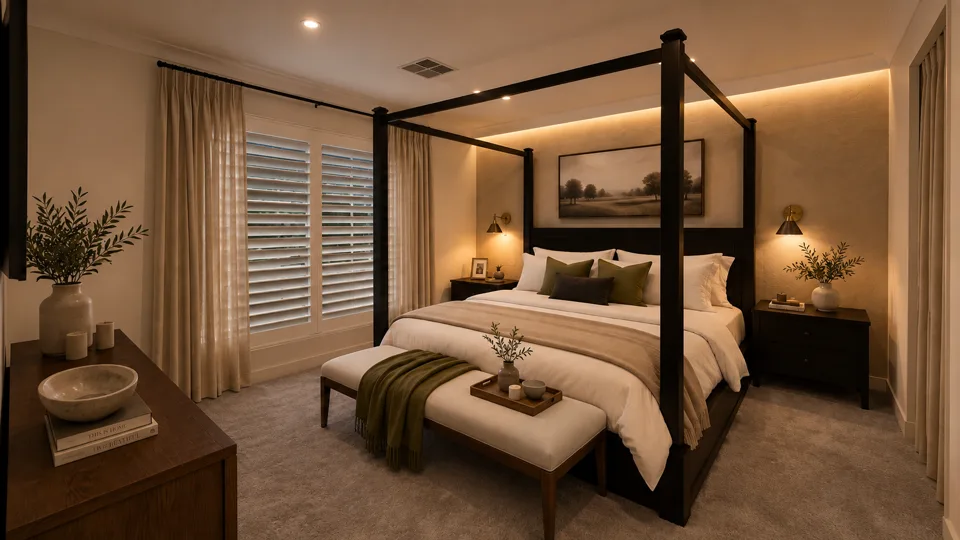
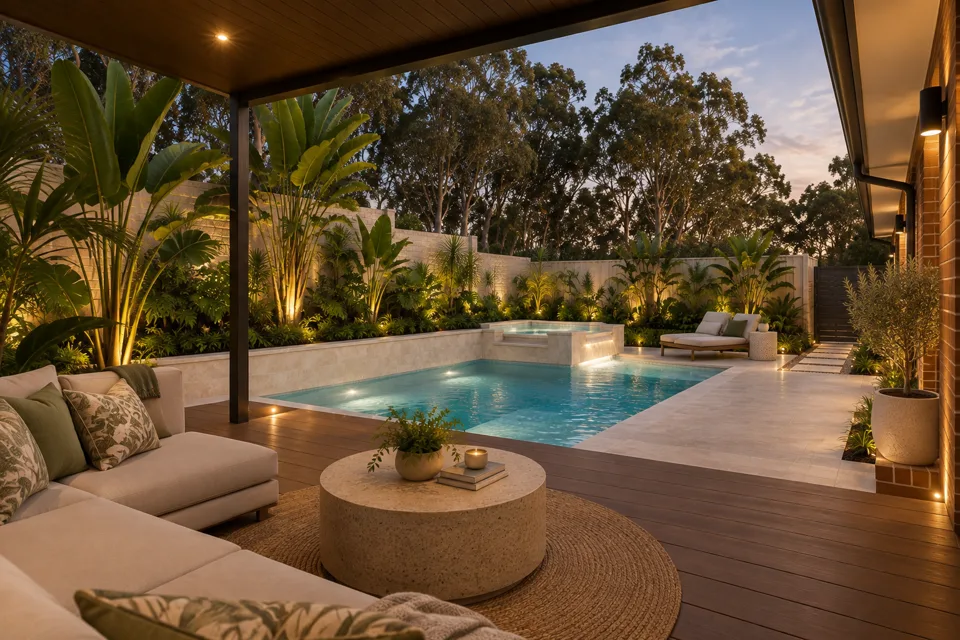
CAPLIST shows what more the property can become
Your media.
A bigger opportunity.
From one property shoot, existing photos, video and drone footage can unlock a wider menu of professional products.
Example property
- Photos
- 27
- Professional Video
- 1
- Drone Footage
- 1
- Additional products available
- 6
The media determines what is possible
Every property unlocks a different product menu.

01 / May unlock
Photos
- Photo Reel
- Photo Motion

02 / Adds
Photos + Video
- Vertical Video Reel
- Property Teaser
- Feature Reel
03 / Adds
Photos + Video + Drone
- Drone-focused edits
- Mixed Media products
Professional in. Professional out.
CAPLIST protects the standard of your work.
CAPLIST checks whether the supplied media is suitable for the product you want to create.
If the source cannot support a professional result, that product is not offered.
Example only — blur simulated.
Creative control
CAPLIST makes the edit. You control the creative intent.
Creative intent
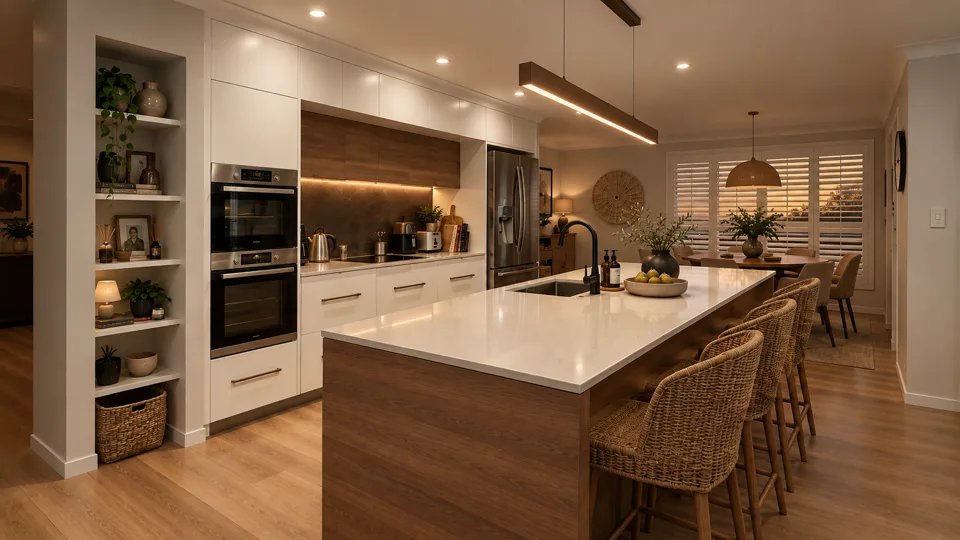
- Choose the media
- Choose the style
- Set the order
- Choose music / mood
- Review or regenerate
QC before delivery
Nothing leaves CAPLIST without review.
More from every property you already capture.